How to buy, sell, or trade MicroStrategy xStock token

MSTRx

About MicroStrategy xStock

MicroStrategy xStock (MSTRx) is a digital asset that represents a blockchain-based version of MicroStrategy’s equity shares. Available for swap on STON.fi, MSTRx provides users with blockchain-based exposure to the performance of MicroStrategy, a leading business intelligence company. The token aims to bridge traditional equity markets and decentralized finance by enabling blockchain participants to access equity-like assets without intermediaries. As described on DYOR.io, MSTRx enables holders to buy, sell, and transfer a blockchain-mirrored representation of MicroStrategy’s publicly traded stock, supporting greater accessibility to equity-linked assets in the digital space.
Token descriptions are based on publicly available information and are provided for informational purposes only. DYOR.
Copy token address EQBbs...p-46H
Copied

MSTRx price

144.62 USD
99.74 TON

Swap MicroStrategy xStock now

How to buy and sell MSTRx

Buy MSTRx
Sell MSTRx
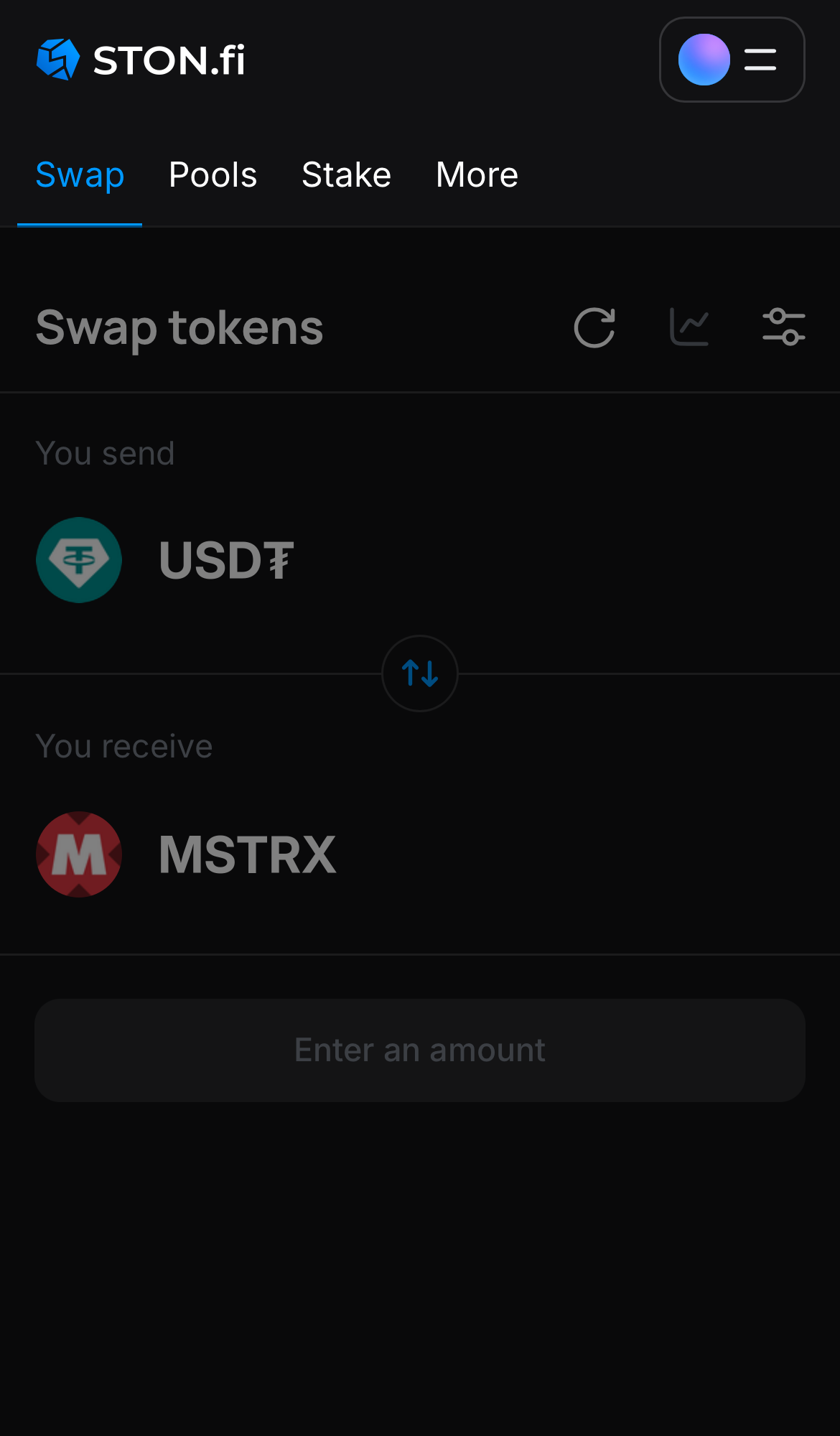
Open the STON.fi app and navigate to the ‘Swap‘ tab.

Step 1

Open the STON.fi app and navigate to the ‘Swap‘ tab.

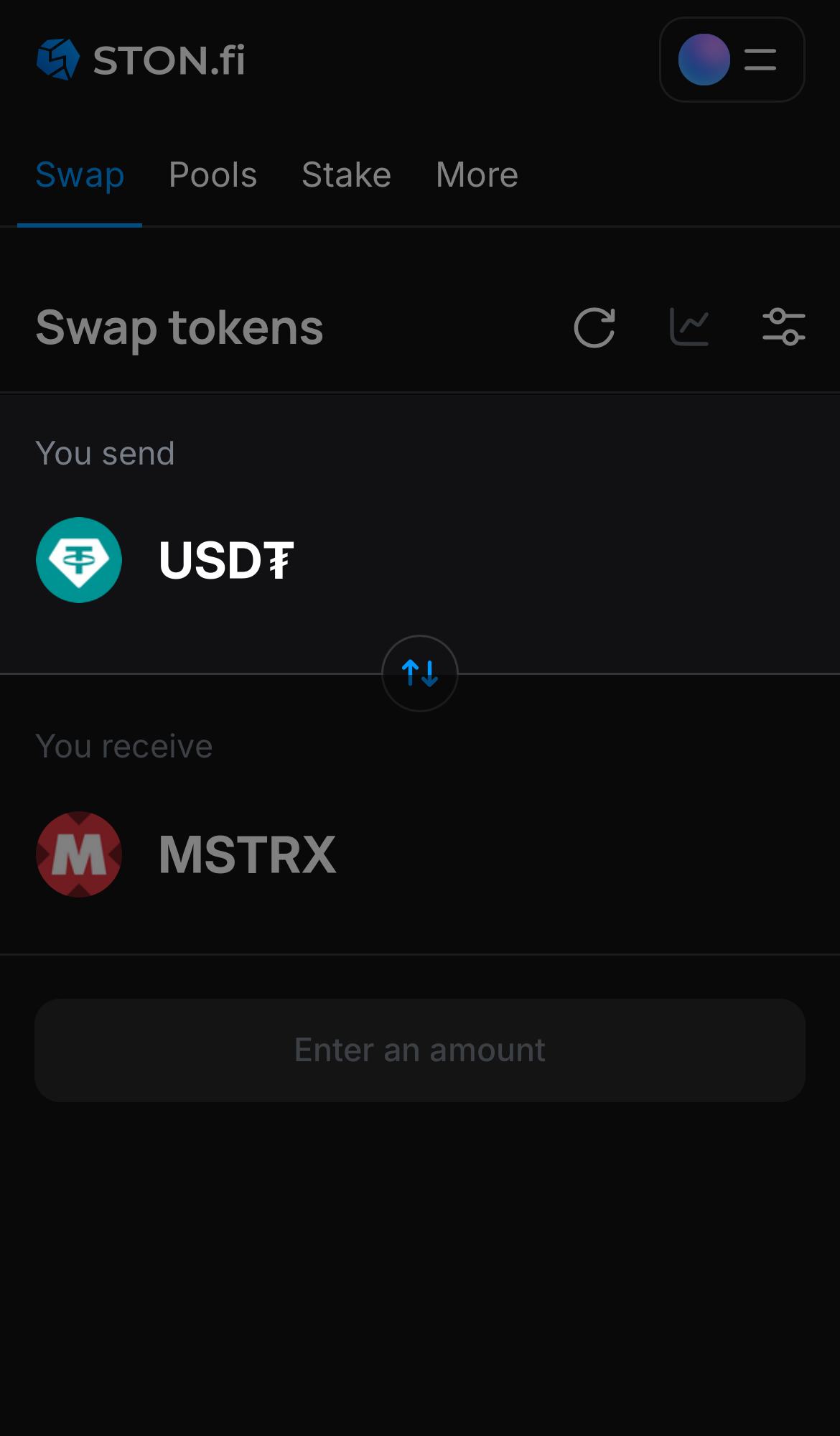
Choose a token in the ‘You send’ box — for example, USD₮.

Step 2

Choose a token in the ‘You send’ box — for example, USD₮.

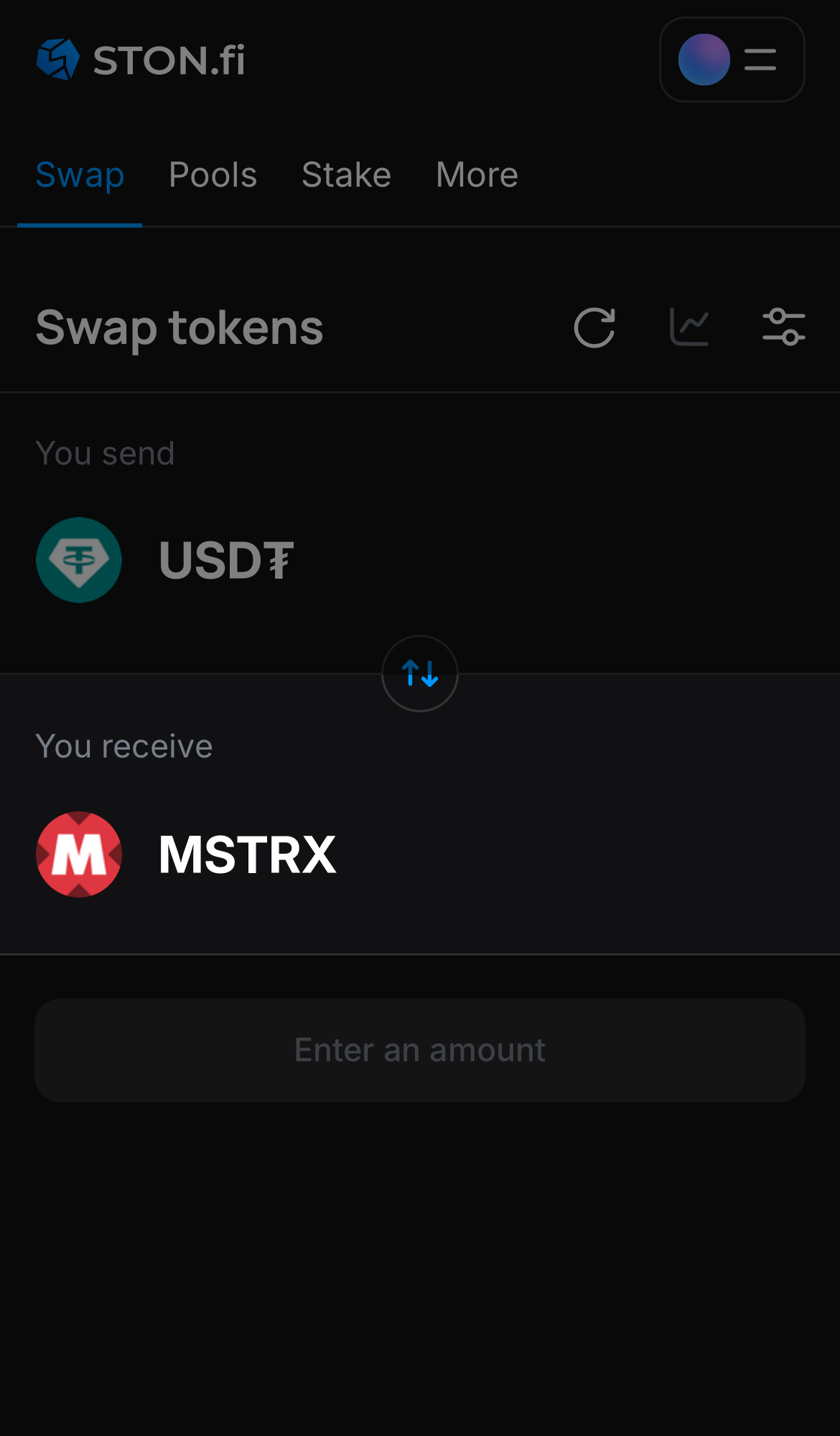
Choose MSTRx in the ‘You receive‘ box.

Step 3

Choose MSTRx in the ‘You receive‘ box.

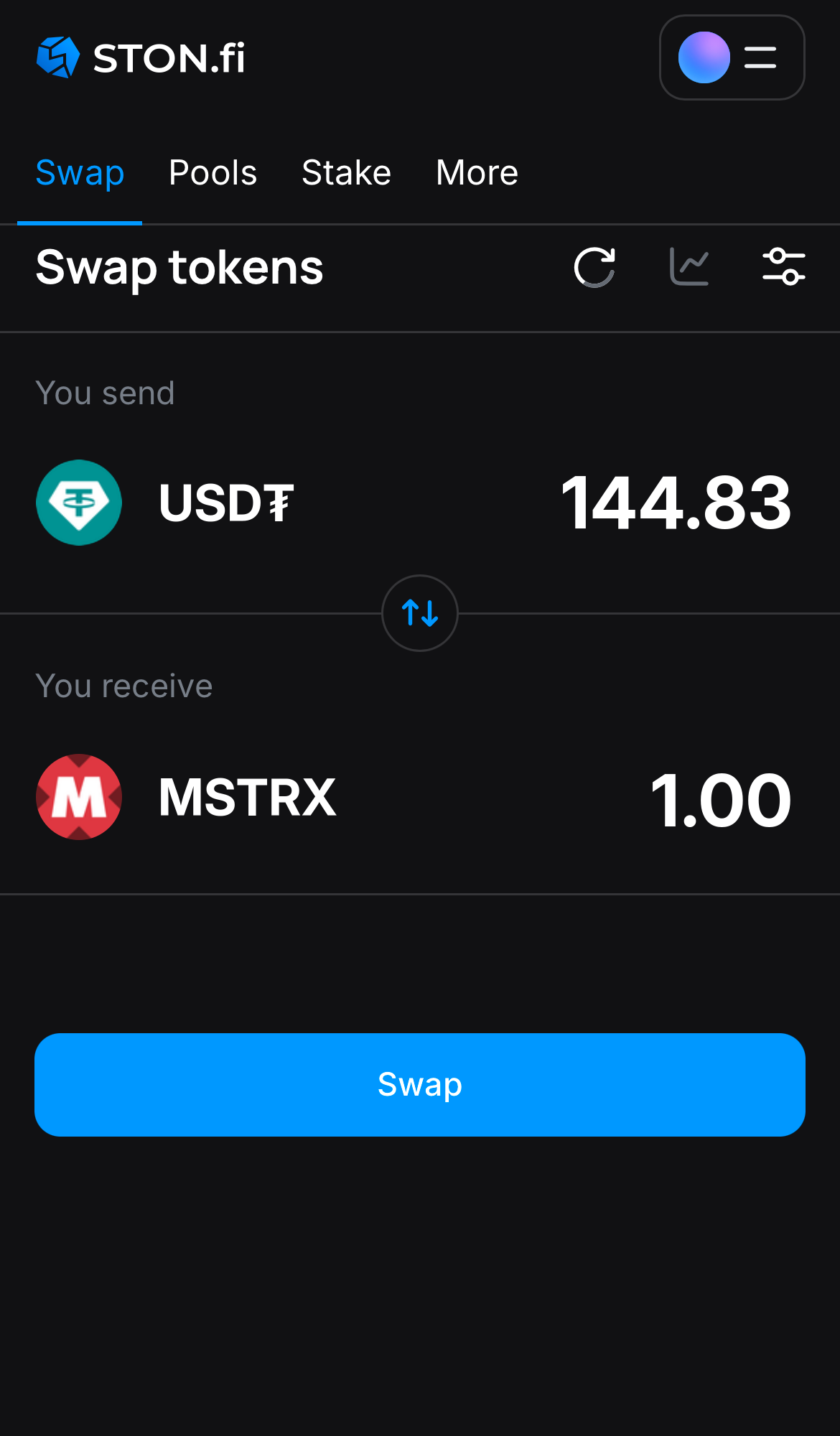
Input the quantity of tokens you‘re selling (or buying), and let the algorithm do all the calculations.

Step 4

Input the quantity of tokens you‘re selling (or buying), and let the algorithm do all the calculations.

Remember, you still need to have TON in your wallet to cover transaction fees.
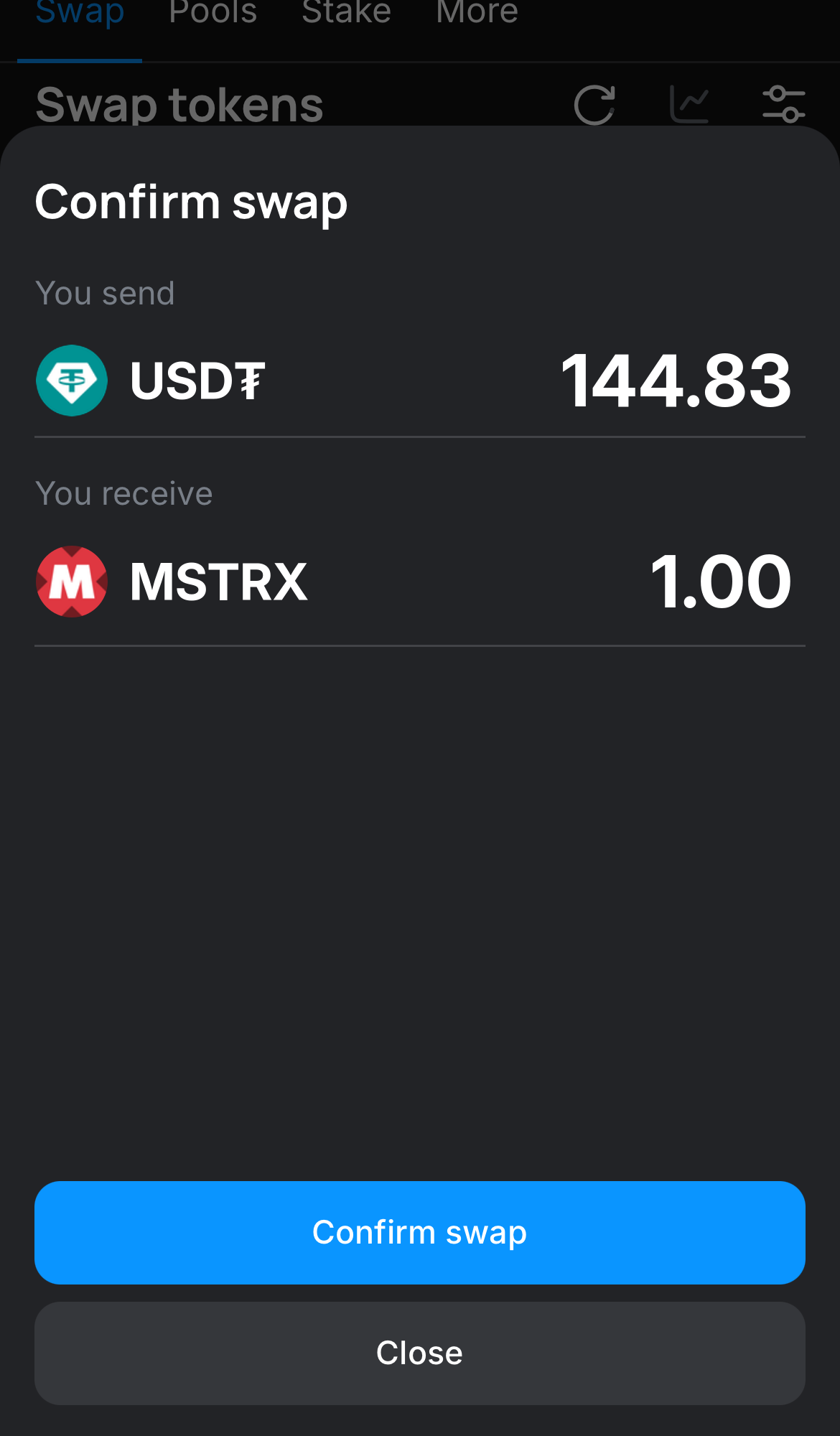
Click ‘Swap‘, double-check the details, and confirm the transaction by clicking the ‘Confirm swap‘ button.

Step 5

Click ‘Swap‘, double-check the details, and confirm the transaction by clicking the ‘Confirm swap‘ button.

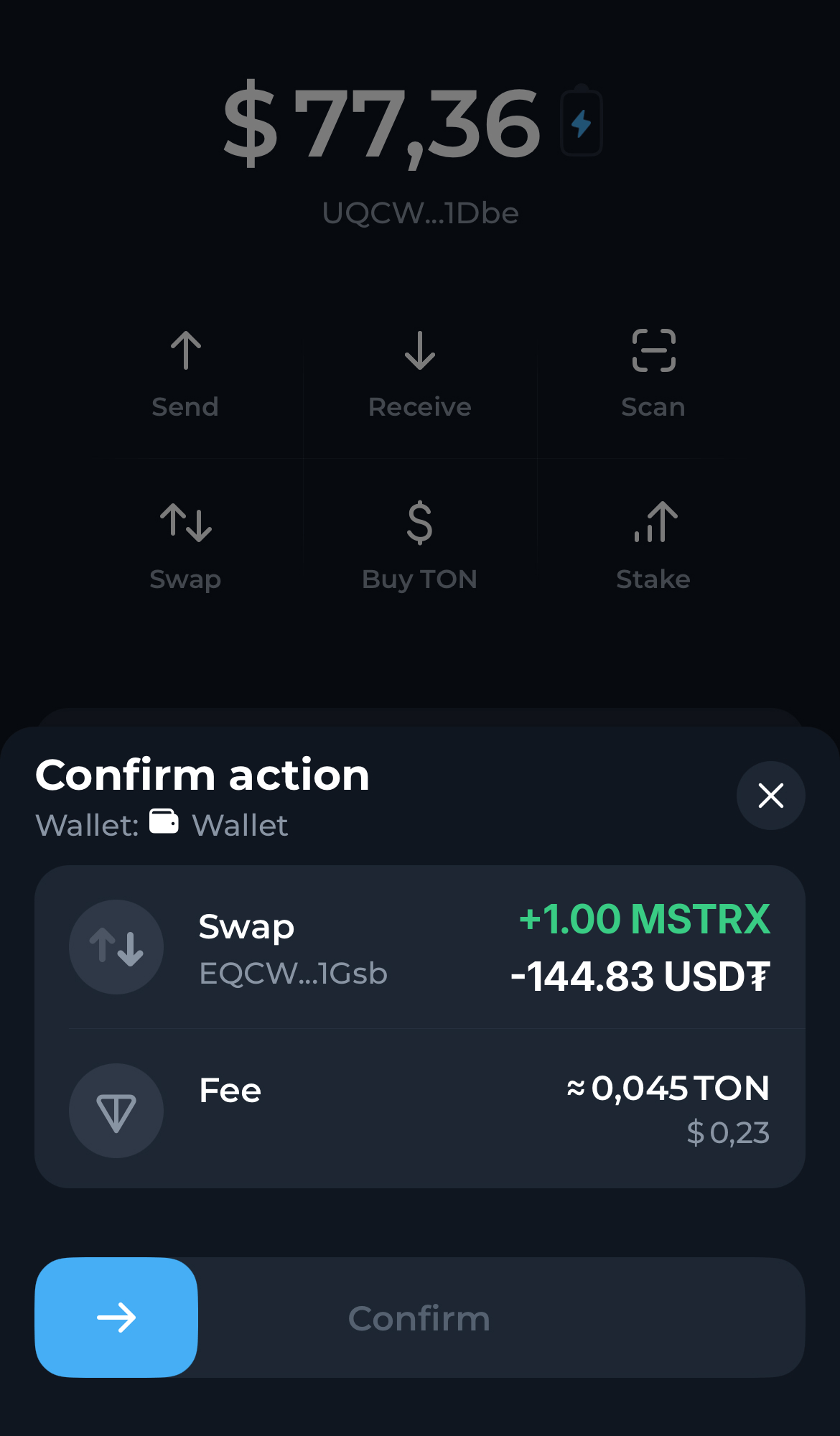
Confirm the swap in the popup notification in your wallet. Within seconds the MSTRx tokens you acquired will appear in your wallet, visible on the main assets page.

Step 6

Confirm the swap in the popup notification in your wallet. Within seconds the MSTRx tokens you acquired will appear in your wallet, visible on the main assets page.

Open the STON.fi app and navigate to the ‘Swap‘ tab.

Step 1

Open the STON.fi app and navigate to the ‘Swap‘ tab.

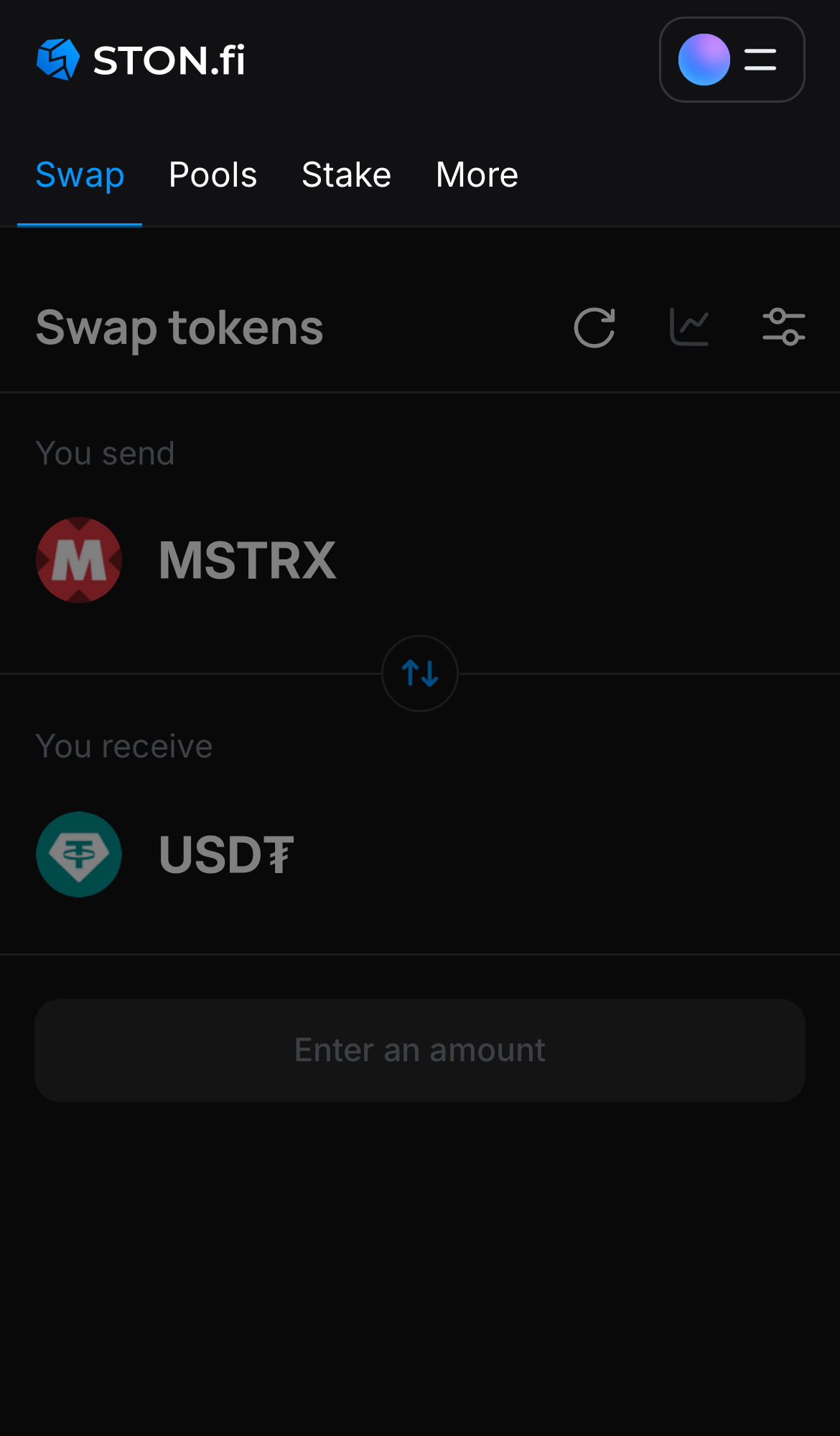
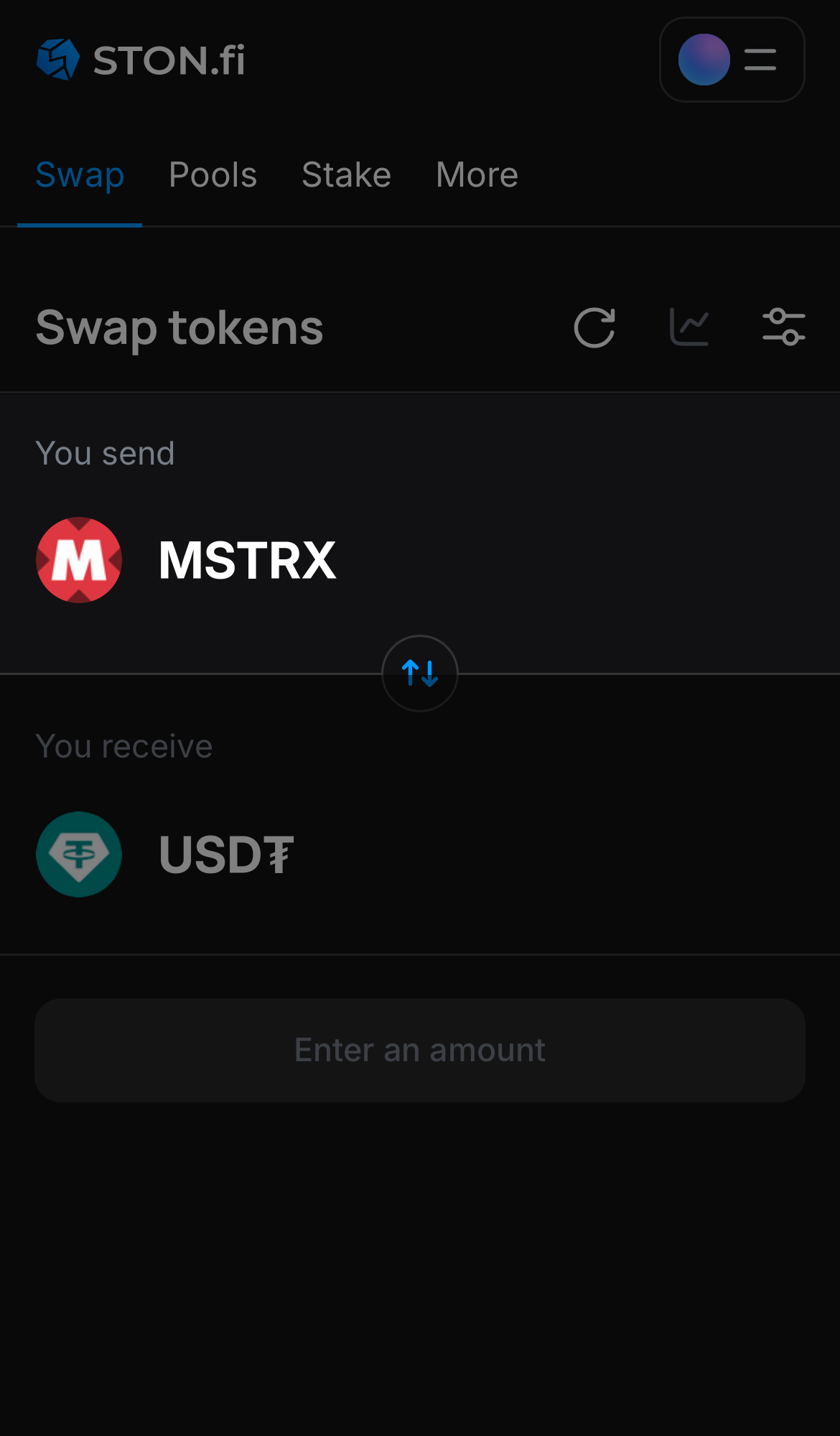
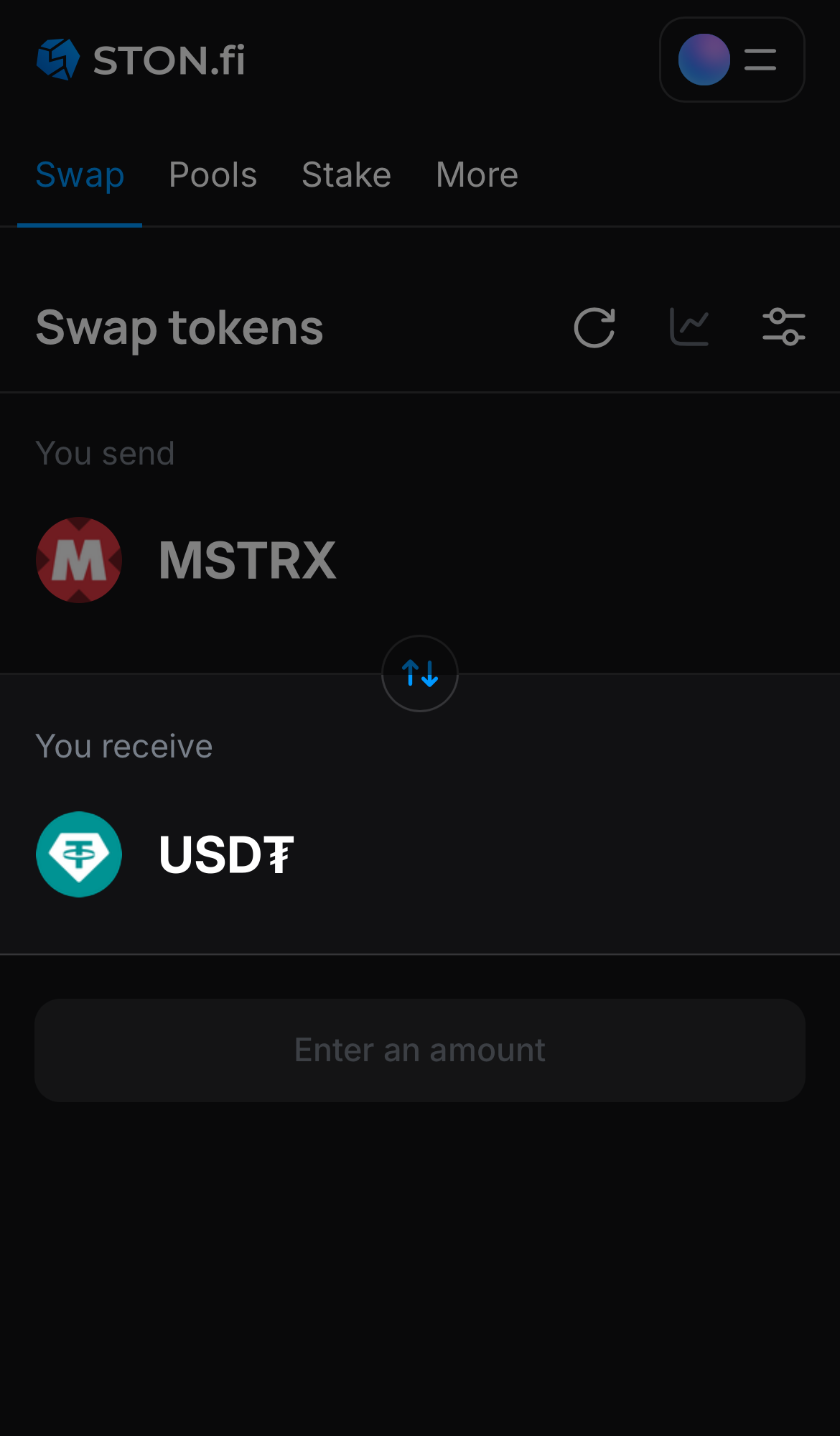
Choose MSTRx in the ‘You send‘ box.

Step 2

Choose MSTRx in the ‘You send‘ box.

Choose a token in the ‘You receive’ box — for example, USD₮.

Step 3

Choose a token in the ‘You receive’ box — for example, USD₮.

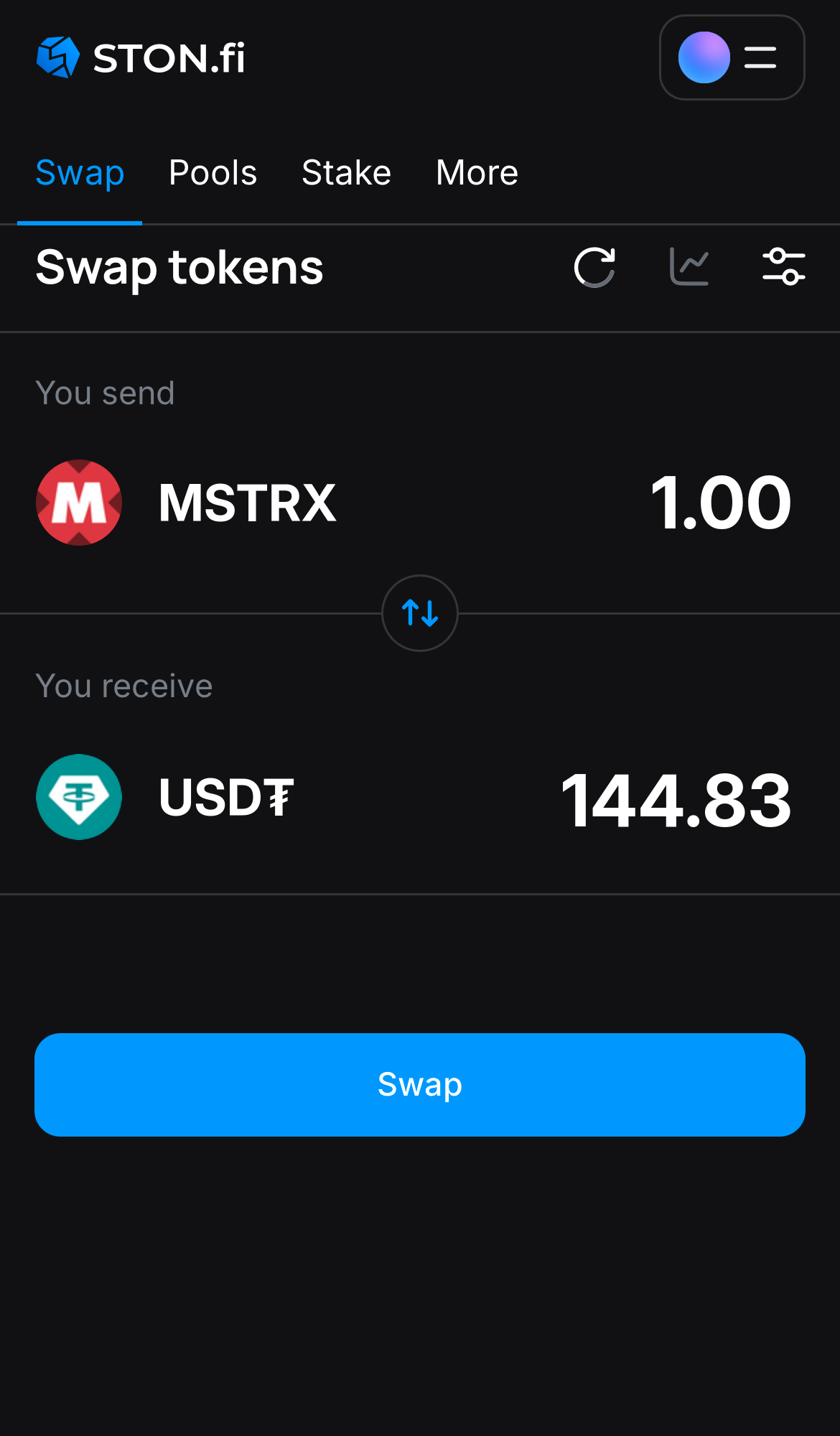
Input the quantity of tokens you‘re selling (or buying), and let the algorithm do all the calculations.

Step 4

Input the quantity of tokens you‘re selling (or buying), and let the algorithm do all the calculations.

Remember, you still need to have TON in your wallet to cover transaction fees.
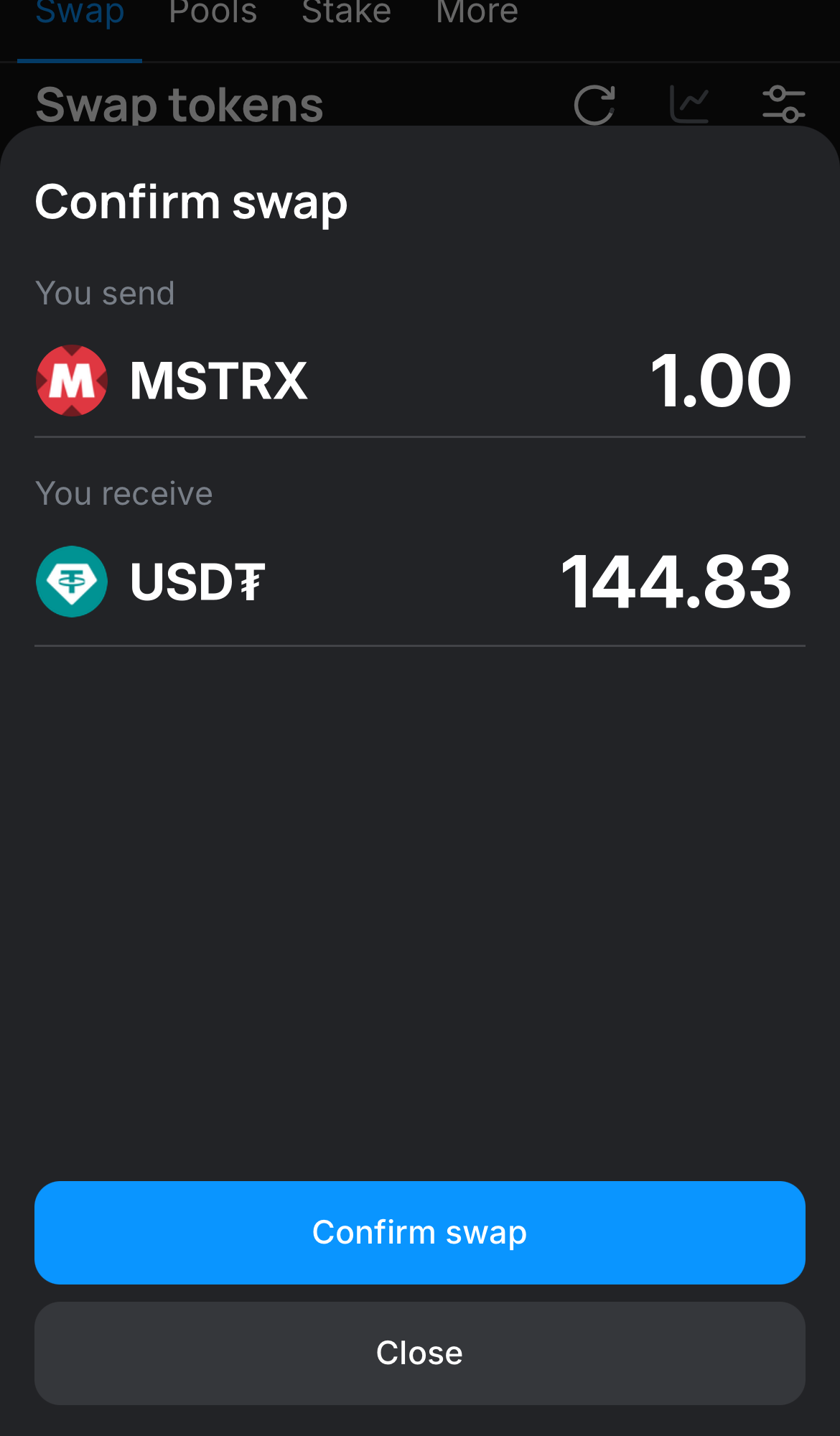
Click ‘Swap‘, double-check the details, and confirm the transaction by clicking the ‘Confirm swap‘ button.

Step 5

Click ‘Swap‘, double-check the details, and confirm the transaction by clicking the ‘Confirm swap‘ button.

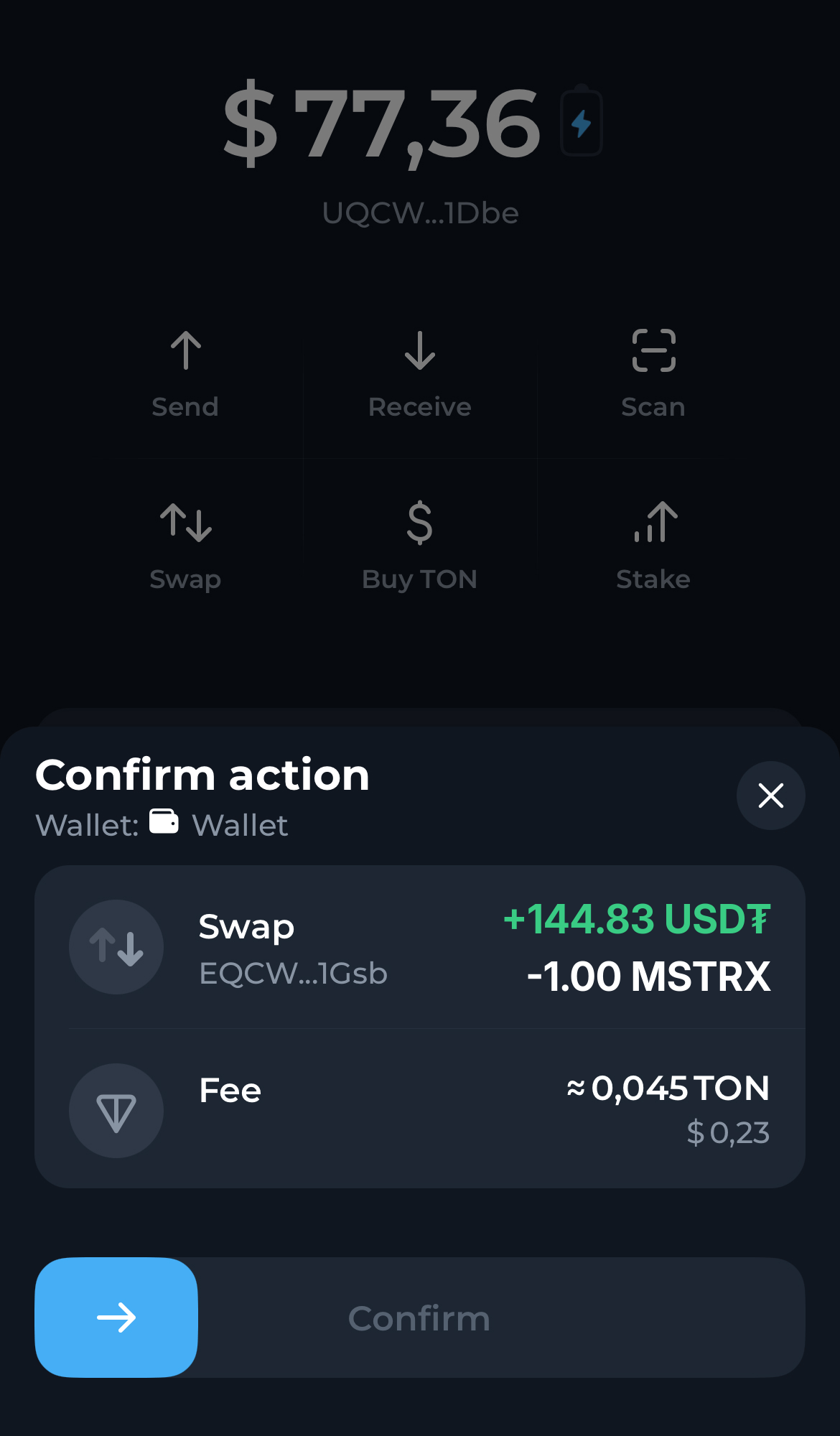
Confirm the swap in the popup notification in your wallet. Within seconds the TON tokens you acquired will appear in your wallet, visible on the main assets page.

Step 6

Confirm the swap in the popup notification in your wallet. Within seconds the TON tokens you acquired will appear in your wallet, visible on the main assets page.

To swap or farm assets including MicroStrategy xStock on STON.fi, you need a TON wallet and Toncoin (TON) to cover transaction fees.
Please refer to our guidelines:

Questions about MicroStrategy xStock

Where can I trade MSTRx on the TON blockchain?
You can trade MSTRx on exchanges like STON.fi and other platforms that support TON-based tokens. These exchanges offer a smooth trading experience, allowing you to buy, sell, and trade MSTRx alongside other cryptocurrencies within the TON ecosystem.
How can I store and manage my MSTRx on the TON blockchain?
You can securely store and manage your MSTRx on the TON blockchain using a range of TON-compatible wallets, such as:

Crypto Wallet in Telegram: A Telegram-integrated wallet for convenient storage and easy transactions directly within Telegram.

TON Wallet in Telegram: A non-custodial wallet integrated into @wallet. It provides you with full control over your funds without intermediaries.

Tonkeeper: The easiest self-custody wallet for paying with MSTRx and other tokens. It has easy-to-use apps for desktop and mobile.

MyTonWallet: Another non-custodial and open-source wallet for storing and managing MSTRx tokens on the TON blockchain.