How to buy, sell, or trade TrainCoin token

TRAIN

About TrainCoin

TrainCoin (TRAIN) is the utility token for Lucky Train, a gamified Web3 project operating on the TON blockchain and available for swapping on STON.fi. The platform introduces an on-chain mechanism inspired by classic staking, where users purchase ‘tickets’ with TRAIN tokens to participate in rides governed entirely by smart contracts. Each ticket defines specific ride parameters, including duration, maximum locked amount, reward rate, and burn percentage. Upon ticket purchase, a portion of TRAIN is burned, some is sent to the project’s wallet, and the remainder funds the reward pool. After starting a ride, the user’s tokens are locked until the ride concludes, with rewards issued only at completion based on ticket terms. All processes are transparent, enforced by smart contracts, and visible on the TON network, with a deflationary token model driven by user activity.
Token descriptions are based on publicly available information and are provided for informational purposes only. DYOR.
Copy token address EQBZn...TRAIN
Copied

TRAIN price

0.11 USD
0.07 TON

How to buy and sell TRAIN

Buy TRAIN
Sell TRAIN
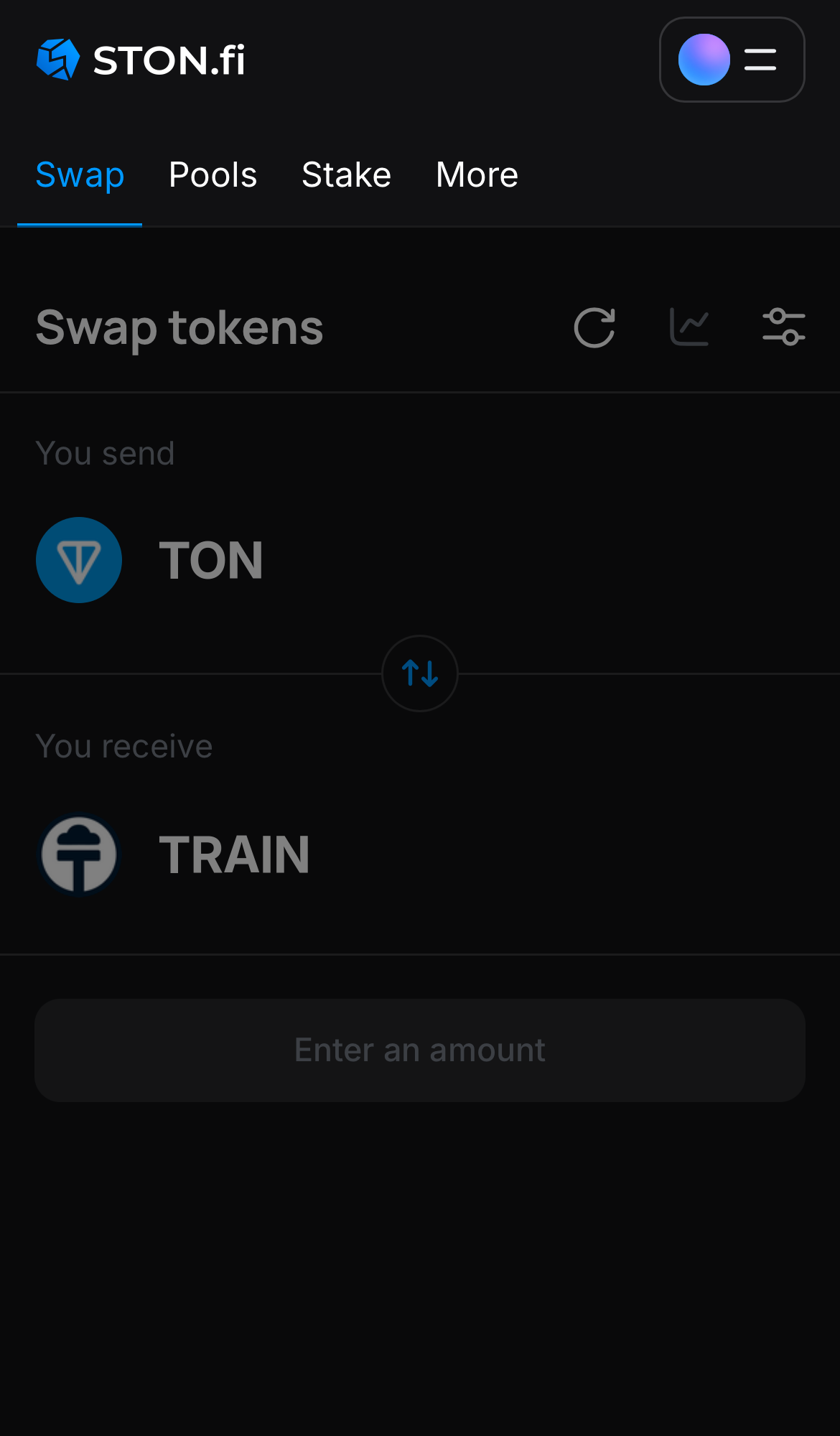
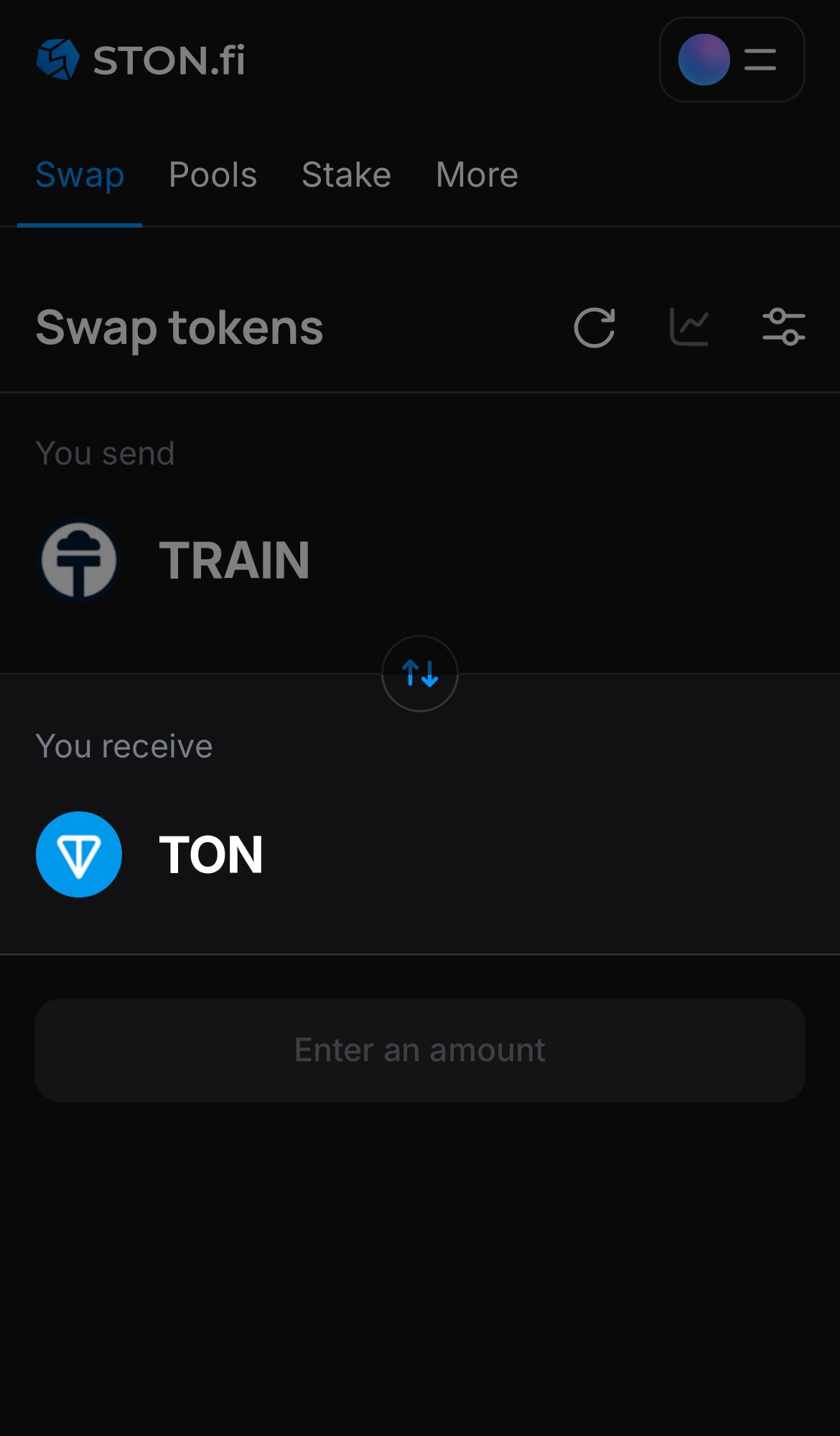
Open the STON.fi app and navigate to the ‘Swap‘ tab.

Step 1

Open the STON.fi app and navigate to the ‘Swap‘ tab.

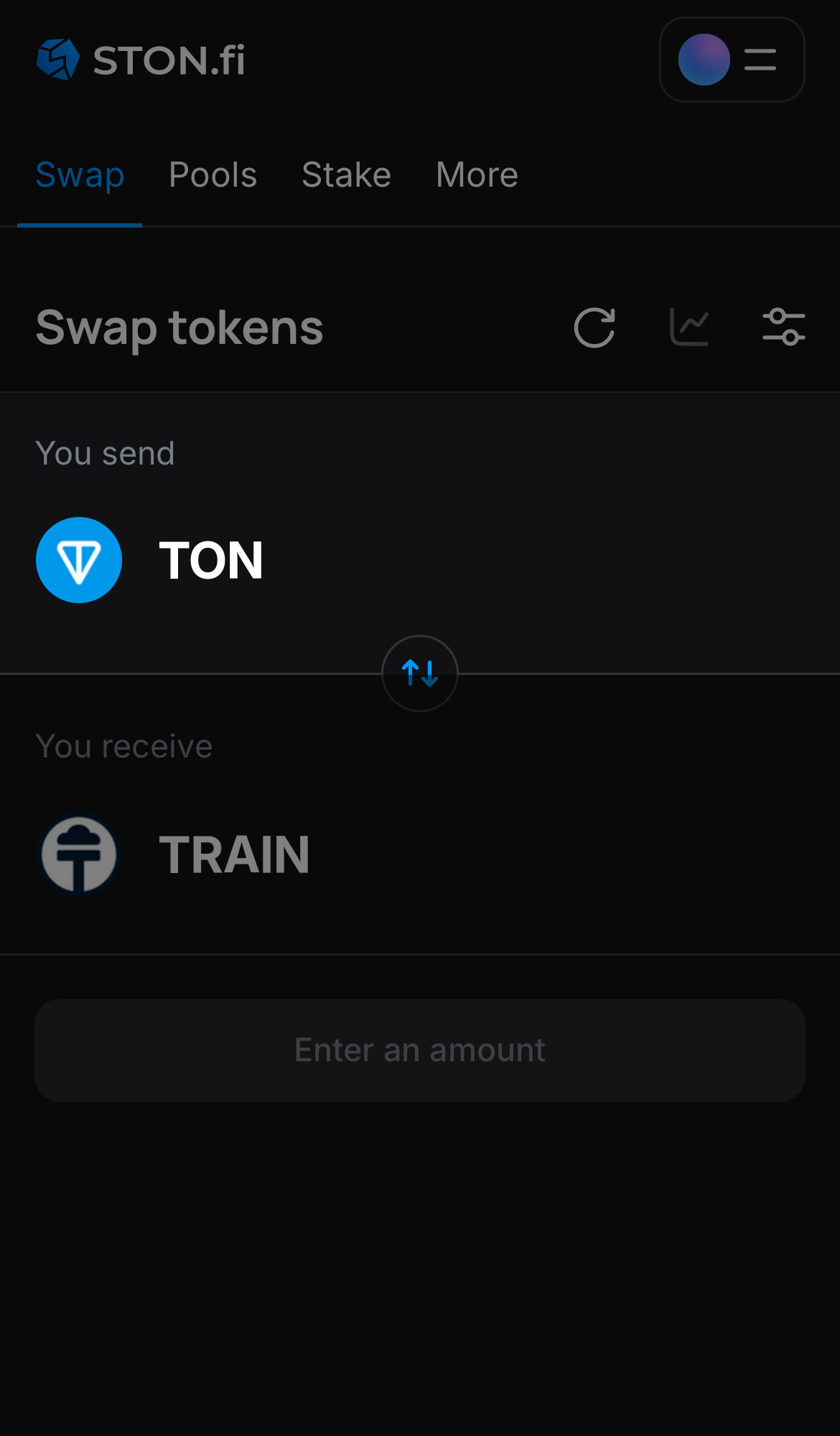
Choose a token in the ‘You send’ box — for example, TON.

Step 2

Choose a token in the ‘You send’ box — for example, TON.

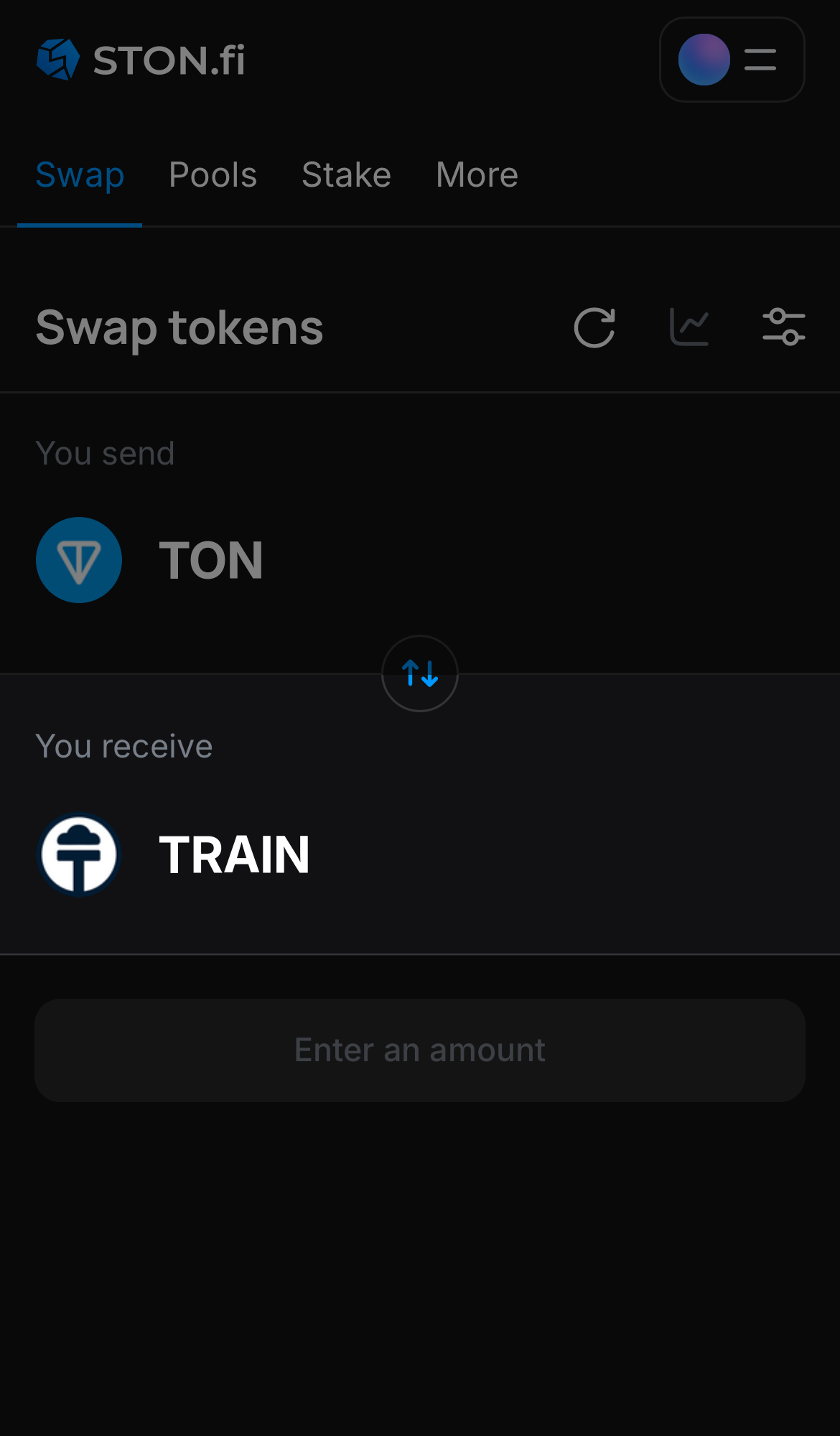
Choose TRAIN in the ‘You receive‘ box.

Step 3

Choose TRAIN in the ‘You receive‘ box.

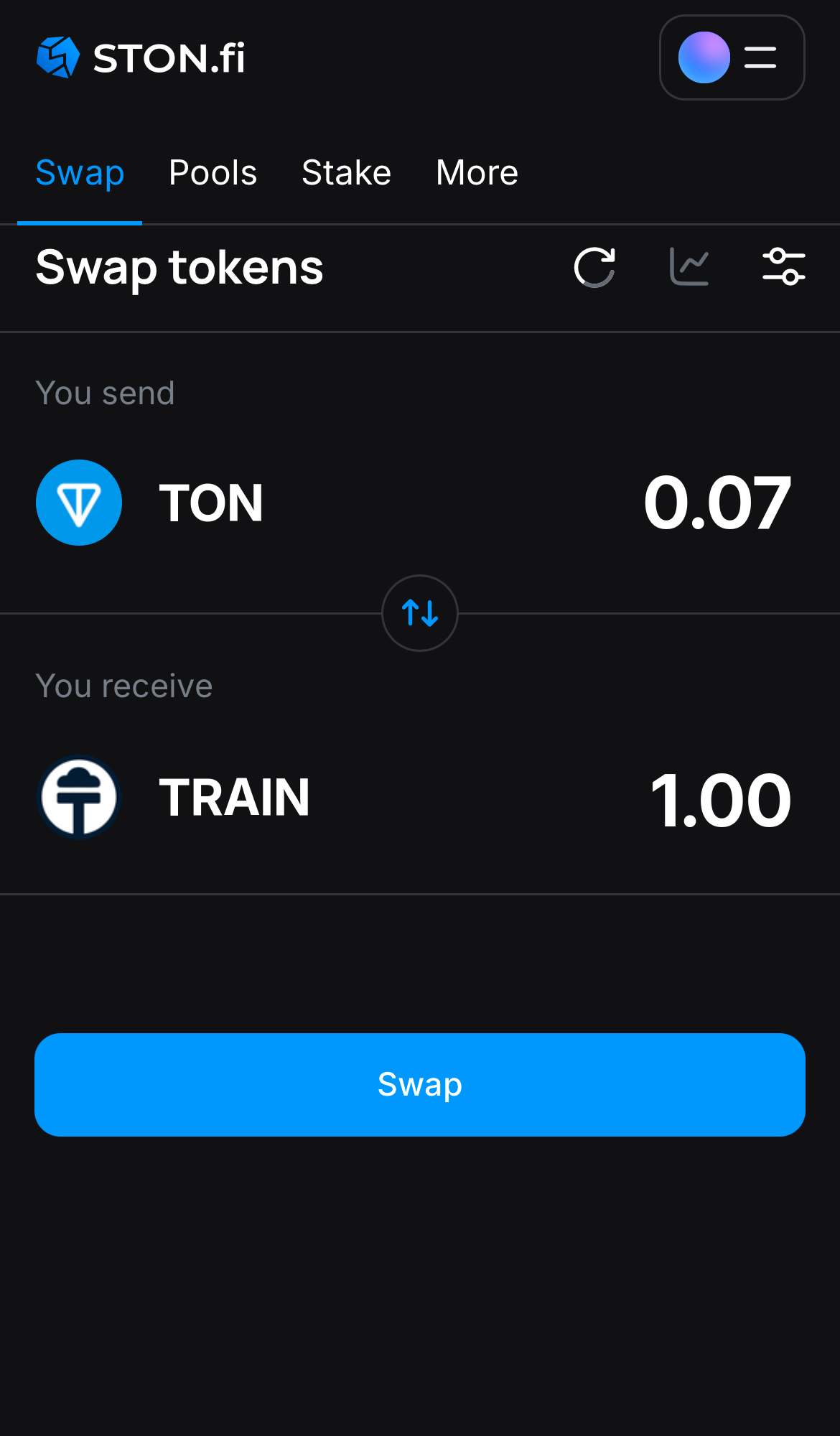
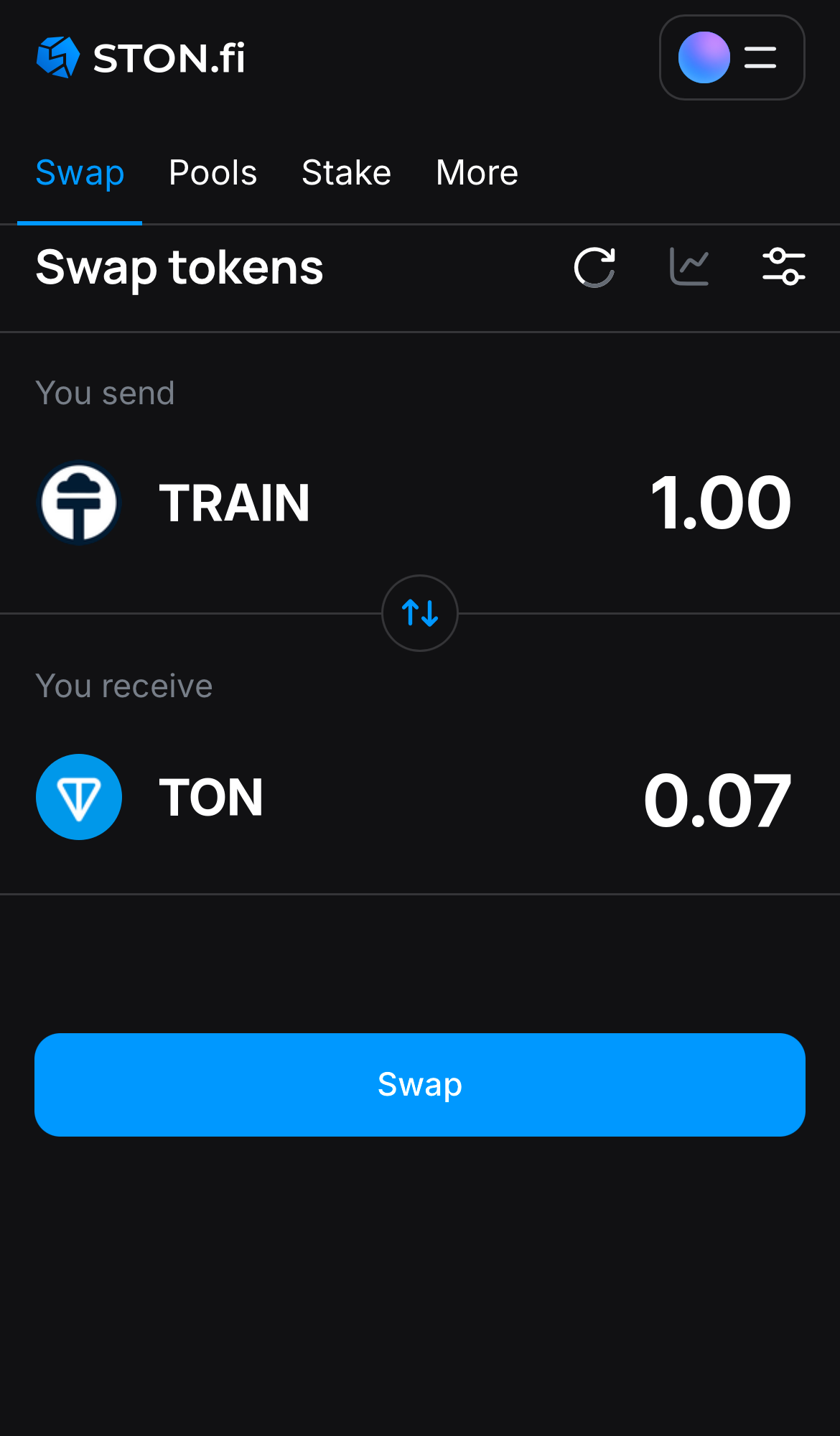
Input the quantity of tokens you‘re selling (or buying), and let the algorithm do all the calculations.

Step 4

Input the quantity of tokens you‘re selling (or buying), and let the algorithm do all the calculations.

Remember, you still need to have TON in your wallet to cover transaction fees.
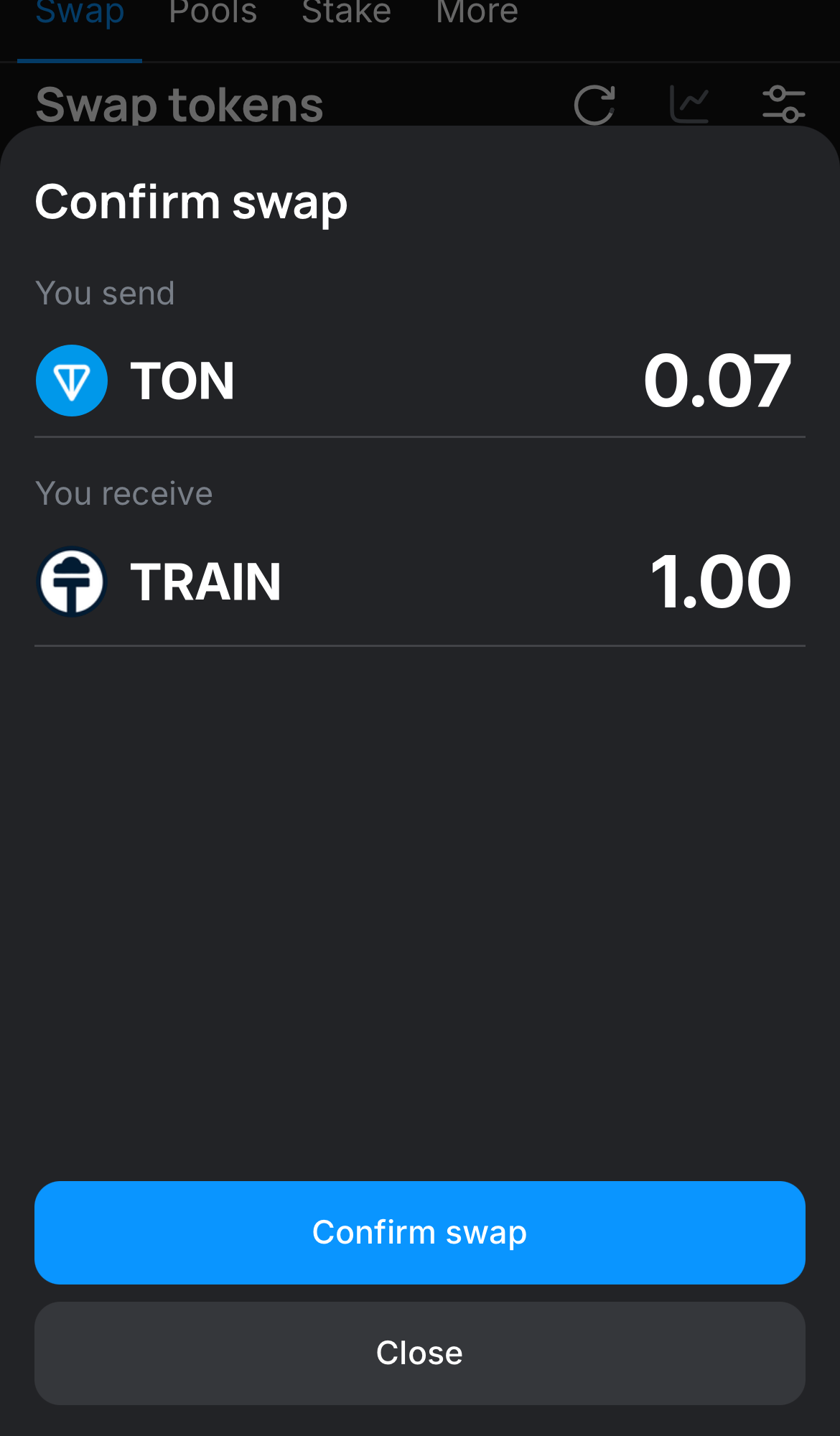
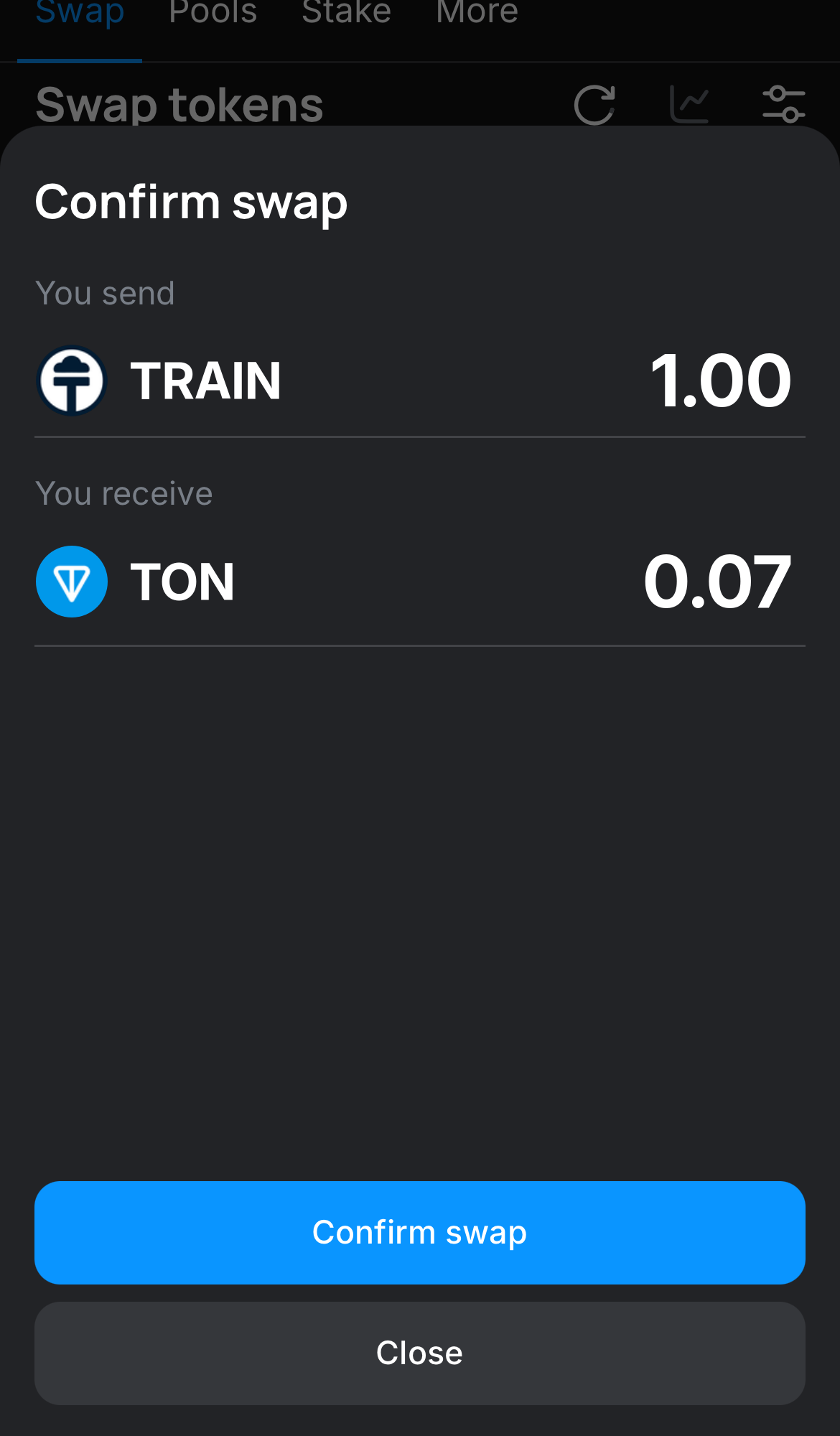
Click ‘Swap‘, double-check the details, and confirm the transaction by clicking the ‘Confirm swap‘ button.

Step 5

Click ‘Swap‘, double-check the details, and confirm the transaction by clicking the ‘Confirm swap‘ button.

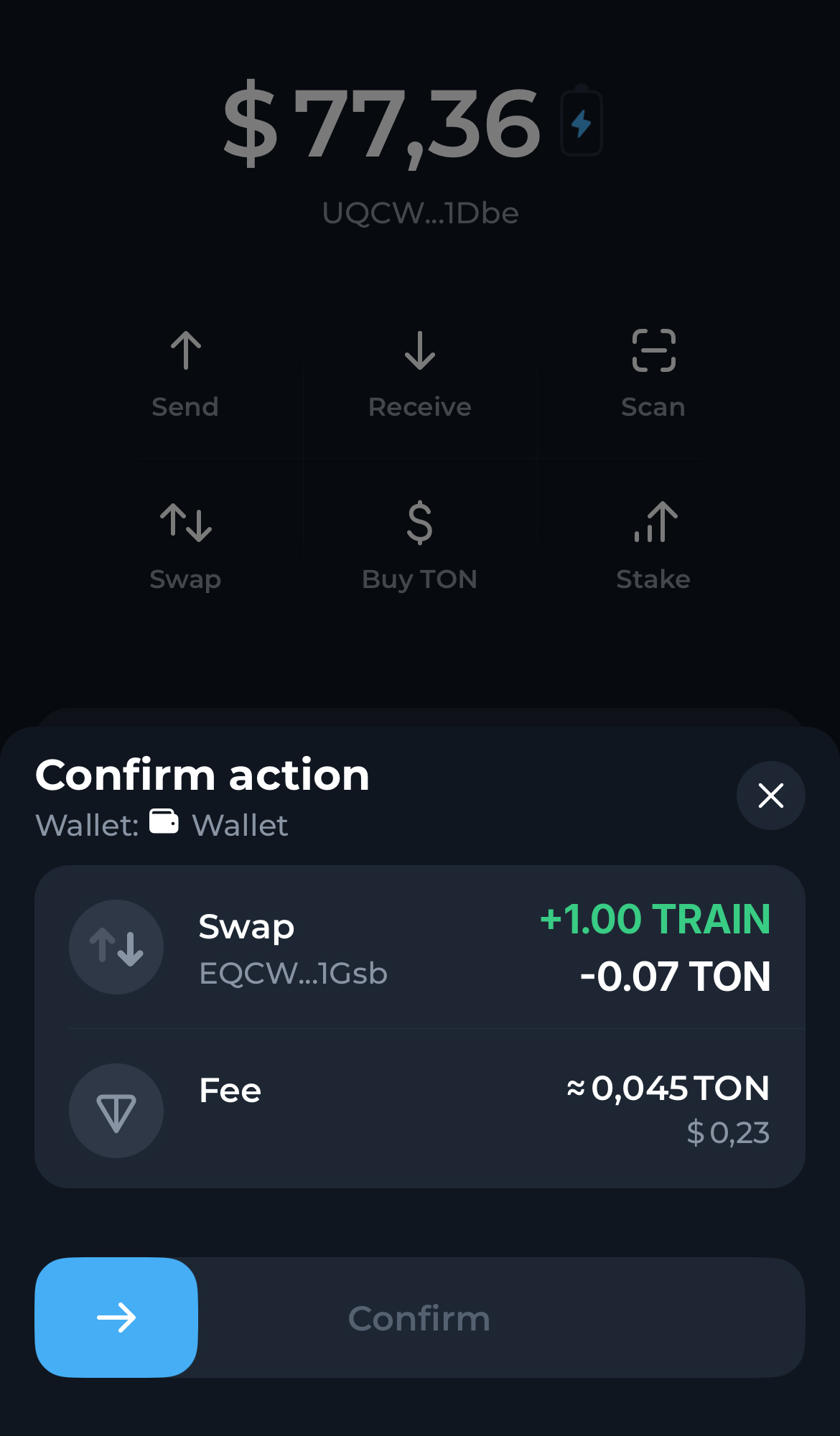
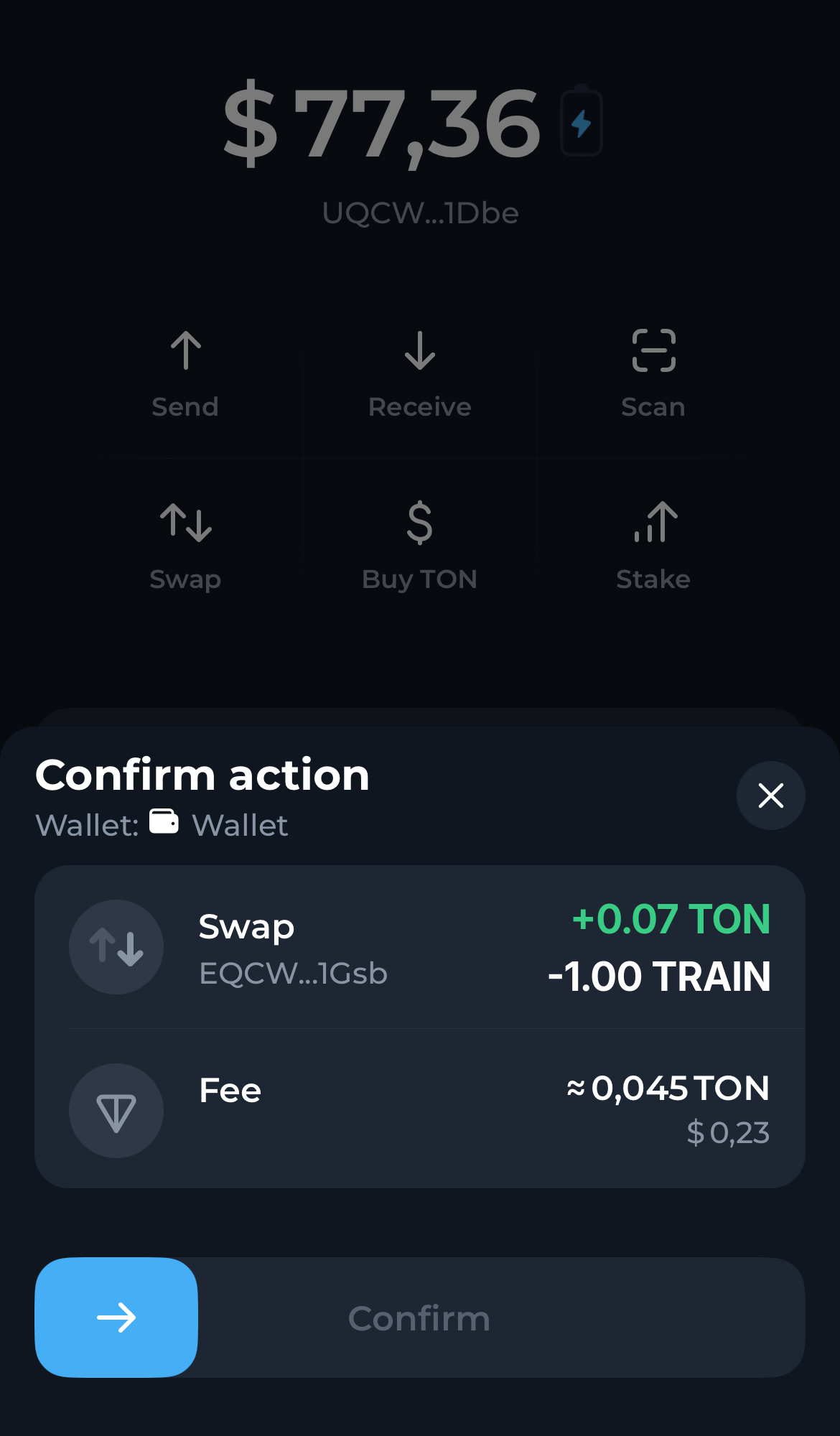
Confirm the swap in the popup notification in your wallet. Within seconds the TRAIN tokens you acquired will appear in your wallet, visible on the main assets page.

Step 6

Confirm the swap in the popup notification in your wallet. Within seconds the TRAIN tokens you acquired will appear in your wallet, visible on the main assets page.

Open the STON.fi app and navigate to the ‘Swap‘ tab.

Step 1

Open the STON.fi app and navigate to the ‘Swap‘ tab.

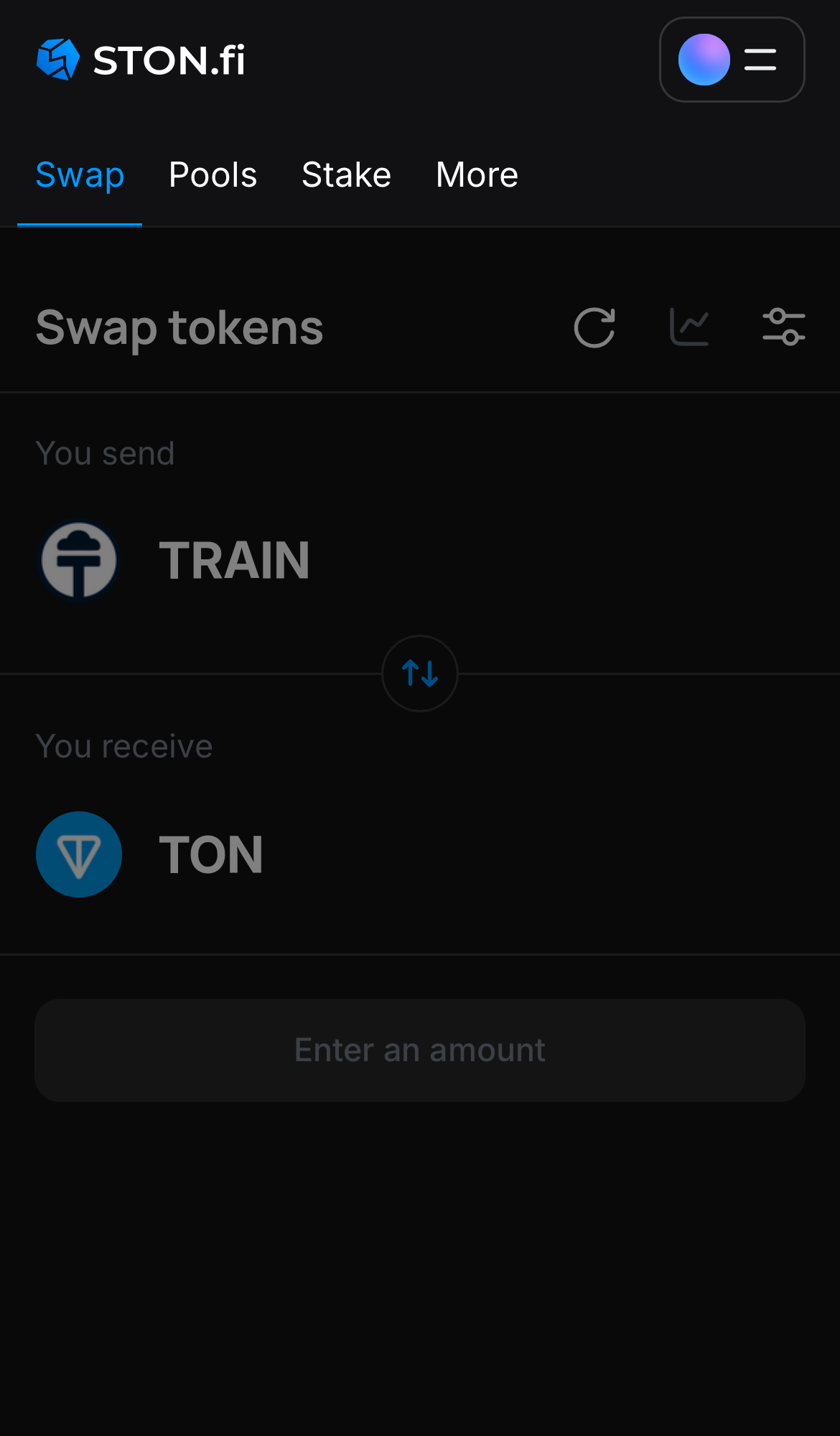
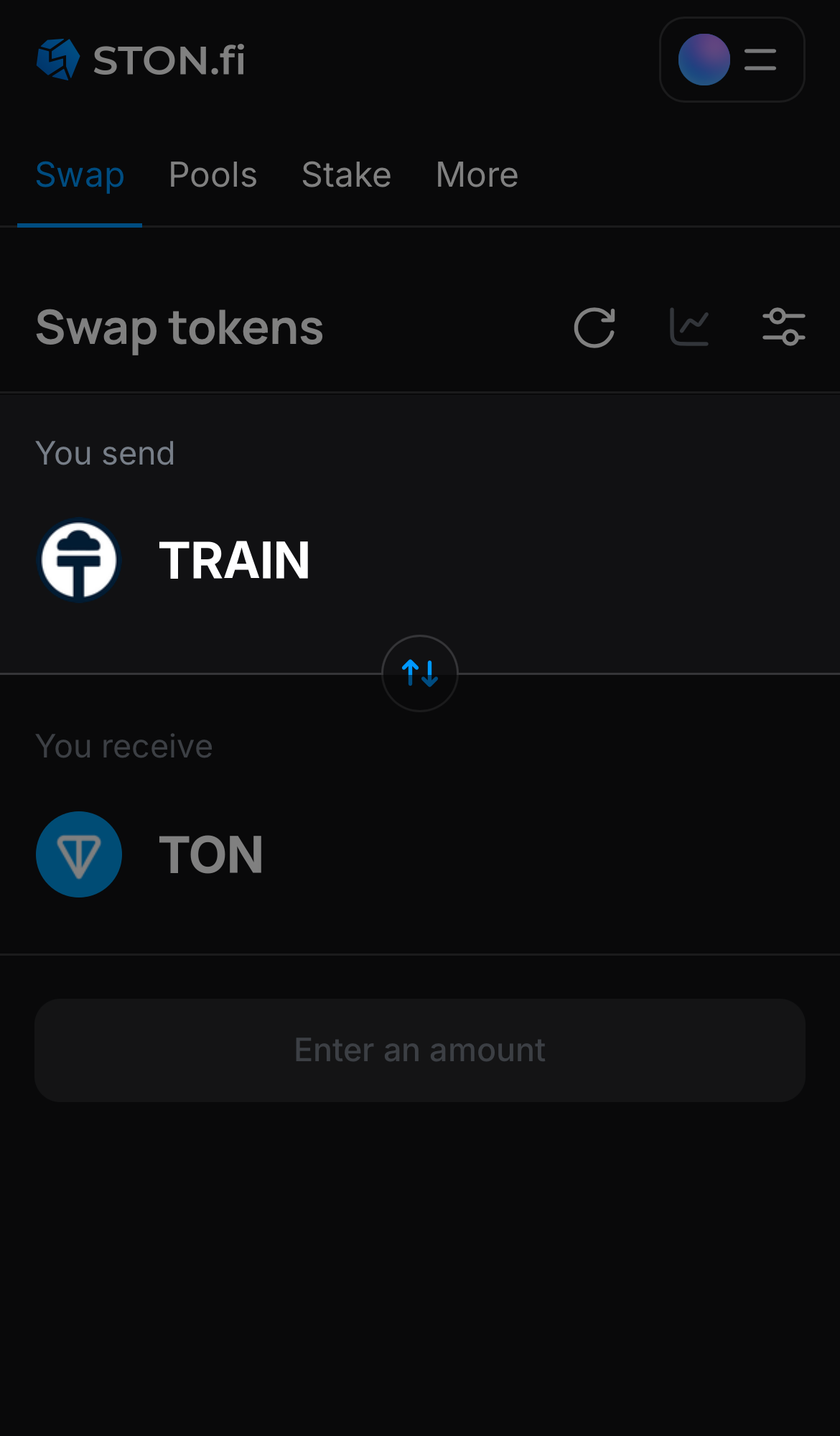
Choose TRAIN in the ‘You send‘ box.

Step 2

Choose TRAIN in the ‘You send‘ box.

Choose a token in the ‘You receive’ box — for example, TON.

Step 3

Choose a token in the ‘You receive’ box — for example, TON.

Input the quantity of tokens you‘re selling (or buying), and let the algorithm do all the calculations.

Step 4

Input the quantity of tokens you‘re selling (or buying), and let the algorithm do all the calculations.

Remember, you still need to have TON in your wallet to cover transaction fees.
Click ‘Swap‘, double-check the details, and confirm the transaction by clicking the ‘Confirm swap‘ button.

Step 5

Click ‘Swap‘, double-check the details, and confirm the transaction by clicking the ‘Confirm swap‘ button.

Confirm the swap in the popup notification in your wallet. Within seconds the TON tokens you acquired will appear in your wallet, visible on the main assets page.

Step 6

Confirm the swap in the popup notification in your wallet. Within seconds the TON tokens you acquired will appear in your wallet, visible on the main assets page.

To swap or farm assets including TrainCoin on STON.fi, you need a TON wallet and Toncoin (TON) to cover transaction fees.
Please refer to our guidelines:

Questions about TrainCoin

Where can I trade TRAIN on the TON blockchain?
You can trade TRAIN on exchanges like STON.fi and other platforms that support TON-based tokens. These exchanges offer a smooth trading experience, allowing you to buy, sell, and trade TRAIN alongside other cryptocurrencies within the TON ecosystem.
How can I store and manage my TRAIN on the TON blockchain?
You can securely store and manage your TRAIN on the TON blockchain using a range of TON-compatible wallets, such as:

Crypto Wallet in Telegram: A Telegram-integrated wallet for convenient storage and easy transactions directly within Telegram.

TON Wallet in Telegram: A non-custodial wallet integrated into @wallet. It provides you with full control over your funds without intermediaries.

Tonkeeper: The easiest self-custody wallet for paying with TRAIN and other tokens. It has easy-to-use apps for desktop and mobile.

MyTonWallet: Another non-custodial and open-source wallet for storing and managing TRAIN tokens on the TON blockchain.